

Gallery#
A scrollable, selectable grid of image thumbnails.
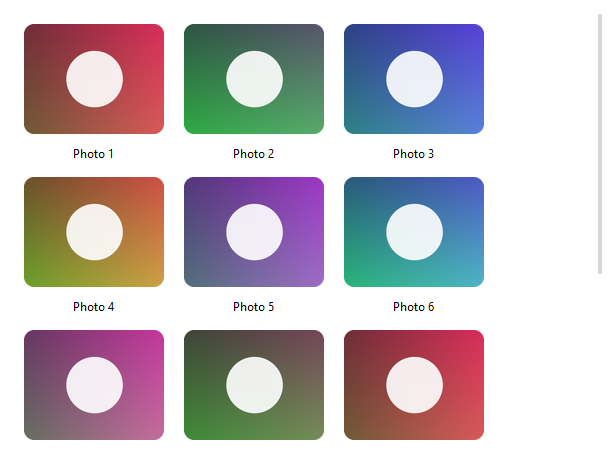
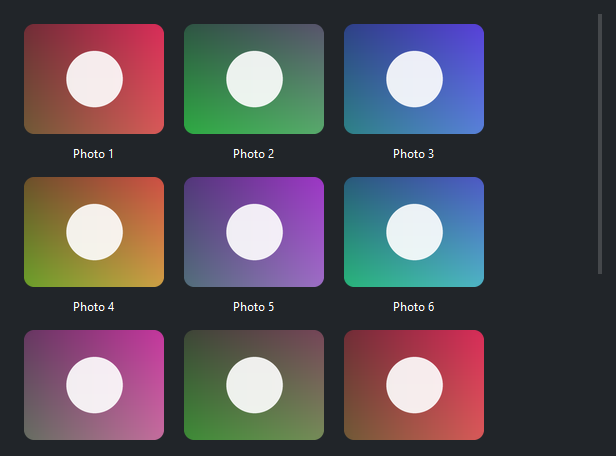
Usage#
Gallery recycles its tiles, so it stays efficient over large collections. It is
record-native — populate it with items= or a data_source= and read the
chosen tile(s) back through .selection, the same model ListView, DataTable, and Tree share.
Populating the grid#
Each record names the image to show through image_field (an Image, a file path, or a PIL image) and, optionally, a
caption through caption_field. Other keys ride along in the record bag:
items = [
    {"id": 1, "photo": "beach.jpg",    "name": "Beach"},
    {"id": 2, "photo": "sunset.jpg",   "name": "Sunset"},
    {"id": 3, "photo": "mountain.jpg", "name": "Mountain"},
]

bs.Gallery(items=items, image_field="photo", caption_field="name")
For database- or API-backed data, pass a data_source= instead of items=.
Reflow and tile size#
By default the grid reflows to fit the available width — the column count
changes as the window resizes. Set tile_size to size the thumbnails, or fix
the column count with columns=:
bs.Gallery(items=items, tile_size=(160, 160))            # auto columns
bs.Gallery(items=items, columns=4, tile_size=(120, 120))  # fixed 4-up
fit controls how each image is scaled into its tile — the same modes as
Picture ('cover' by default), and corner_radius rounds the
thumbnails.
Selection#
Set selection_mode to 'single' or 'multi' to let tiles be selected;
selected tiles show an accent highlight ring. Read the selection — the full
record bag — through selection:
gallery = bs.Gallery(items=items, selection_mode="multi", accent="primary")
gallery.on_select(lambda e: print(gallery.selection))   # list of record dicts
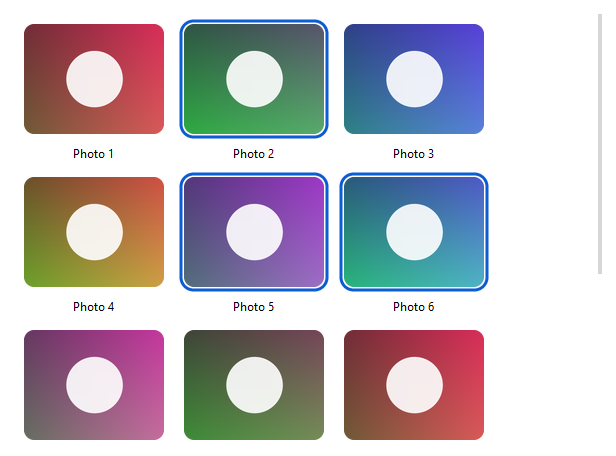
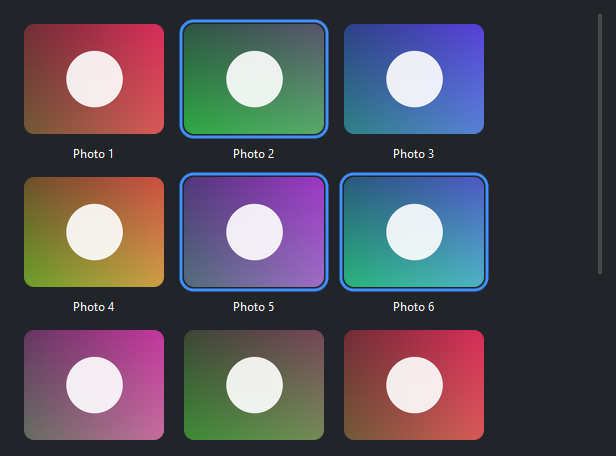
In 'single' mode selection is a record dict (or None); in 'multi'
mode it is a list of record dicts. Drive selection from code with
select_items, deselect_items, select_all, and clear_selection.
Clicks and activation#
on_item_click fires when a tile is clicked; on_item_activate fires on
double-click — the natural place to open a full-size viewer or detail page:
gallery.on_item_click(lambda r: print("clicked", r["name"]))
gallery.on_item_activate(lambda r: open_viewer(r))
Widget sizing#
All widgets accept self-placement kwargs via **kwargs. The parent
container determines which options apply — Column / Row parents use
the layout kwargs below, grid-based parents use grid kwargs.
Column (vertical layout)
Used inside a Column, App, or any other container with a column layout.
Children are arranged top-to-bottom, so horizontal aligns each child across
the width and grow shares the vertical space. (vertical does not apply —
the order of the children sets their top-to-bottom position.)
|
Cross-axis placement of the widget: |
|
Claim and fill a share of the leftover vertical space (the layout
direction). |
|
External spacing in pixels. Accepts an integer (equal on all
sides), a 2-tuple |
|
Horizontal external spacing (left and right). Accepts an integer
or a 2-tuple |
|
Vertical external spacing (top and bottom). Accepts an integer
or a 2-tuple |
Row (horizontal layout)
Used inside a Row or any other container with a row layout. Children are
arranged left-to-right, so vertical aligns each child across the height and
grow shares the horizontal space. (horizontal does not apply — the order
of the children sets their left-to-right position.)
|
Cross-axis placement of the widget: |
|
Claim and fill a share of the leftover horizontal space (the layout
direction). |
|
External spacing in pixels. Accepts an integer (equal on all
sides), a 2-tuple |
|
Horizontal external spacing (left and right). Accepts an integer
or a 2-tuple |
|
Vertical external spacing (top and bottom). Accepts an integer
or a 2-tuple |
Grid
Used inside a Grid container.
|
Zero-based row and column indices. |
|
Number of rows or columns to span. |
|
Horizontal placement within the grid cell: |
|
Vertical placement within the grid cell: |
|
External spacing in pixels. Accepts an integer, a 2-tuple
|
|
Horizontal external spacing. Accepts an integer or |
|
Vertical external spacing. Accepts an integer or |
See also#
API#
The complete reference for Gallery lives on the
Widgets API page. At a glance:
A scrollable, selectable grid of image thumbnails. |
Full Example#
 1
 2_DIR = tempfile.gettempdir()
 3_PALETTE = [
 4    (220, 90, 90), (90, 170, 110), (90, 130, 220), (210, 160, 70),
 5    (160, 110, 200), (80, 180, 200), (200, 110, 160), (120, 140, 90),
 6]
 7
 8
 9def _thumb(i: int) -> str:
10    """A gradient thumbnail with an antialiased numbered disc."""
11    path = os.path.join(_DIR, f"bs_gallery_{i}.png")
12    w, h = 240, 180
13    base = _PALETTE[i % len(_PALETTE)]
14    img = PILImage.new("RGB", (w, h))
15    px = img.load()
16    for y in range(h):
17        for x in range(w):
18            px[x, y] = (
19                int(base[0] * (0.5 + 0.5 * x / w)),
20                int(base[1] * (0.5 + 0.5 * y / h)),
21                int(base[2] * (0.6 + 0.4 * x / w)),
22            )
23    ss = 4
24    layer = PILImage.new("RGBA", (w * ss, h * ss), (0, 0, 0, 0))
25    d = ImageDraw.Draw(layer)
26    r = 46 * ss
27    cx, cy = w * ss // 2, h * ss // 2
28    d.ellipse([cx - r, cy - r, cx + r, cy + r], fill=(255, 255, 255, 230))
29    layer = layer.resize((w, h), Resampling.LANCZOS)
30    img = img.convert("RGBA")
31    img.alpha_composite(layer)
32    img.convert("RGB").save(path)
33    return path
34
35
36items = [
37    {"id": i, "image": _thumb(i), "name": f"Photo {i + 1}"}
38    for i in range(18)
39]
40
41with bs.App(title="Gallery", size=(620, 480), padding=16, gap=8) as app:
42    bs.Label("Image gallery — click to select, double-click to open", font="heading-md")
43    gallery = bs.Gallery(
44        items=items,
45        image_field="image",
46        caption_field="name",
47        columns="auto",
48        tile_size=(140, 110),
49        corner_radius=10,
50        selection_mode="multi",
51        grow=True,
52        horizontal="stretch",
53    )
54    gallery.on_item_activate(lambda r: print("open:", r["name"]))
55
56app.run()